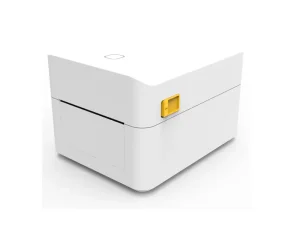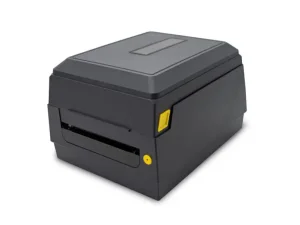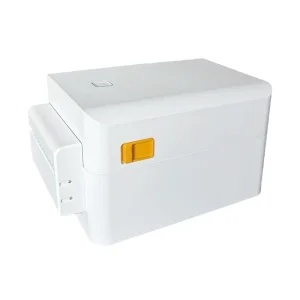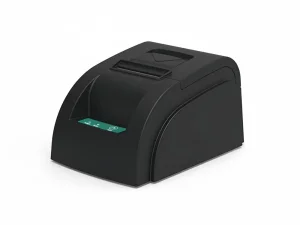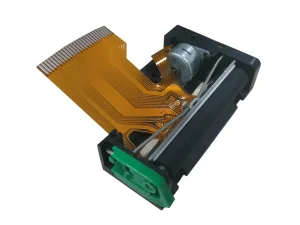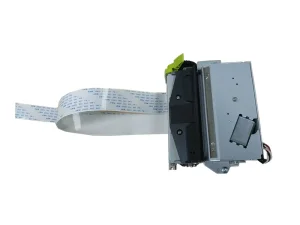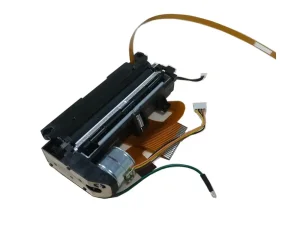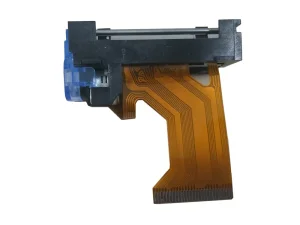
High-performance, industry-compatible printing components engineered for seamless integration and maximum operational uptime.
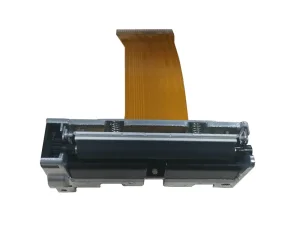
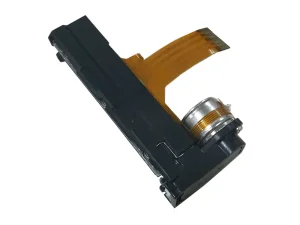
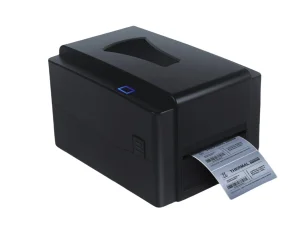
In the modern transactional economy, the thermal receipt printer is the unsung workhorse of retail, logistics, medical tracking, and POS systems. For global distributors, importers, and hardware engineers, sourcing thermal printers is not merely about unit cost; it is about Total Cost of Ownership (TCO), Mean Time Between Failures (MTBF), and the availability of robust technical support frameworks. When a thermal printer fails in a high-throughput environment—such as a busy restaurant kitchen or a logistics fulfillment center—the cost of downtime quickly eclipses the initial hardware investment.
This comprehensive whitepaper, compiled by the engineering and product development teams at OPOS (Xiamen) Electronic Technology Co., Ltd., serves a dual purpose. First, it provides a deep-dive technical diagnostic guide on how to fix thermal receipt printers, addressing the root mechanical and electrical causes of common failures. Second, it outlines the macro sourcing trends, engineering standards, and quality assurance protocols that global buyers must evaluate when selecting a wholesale thermal printer supplier and exporter.
Information Gain Insight: Unlike standard consumer-grade troubleshooting guides, industrial thermal printer maintenance requires an understanding of thermal printhead (TPH) resistance matching, stepper motor step-angle calibration, and voltage regulation. Ensuring your wholesale supplier provides fully compatible, drop-in replacement mechanisms (such as those compatible with Seiko, Fujitsu, and Epson standards) is the ultimate safeguard against long-term operational disruption.
Thermal printing relies on a direct thermal transfer process where a micro-resistor array on the thermal printhead (TPH) applies heat to chemically treated, heat-sensitive paper. Because the process is mechanical, thermal, and electronic, troubleshooting requires a structured diagnostic approach. Below is the engineering framework for diagnosing and repairing the most common thermal printer failures.
Faded print output is rarely a "low ink" issue, as thermal printers do not use ink or toner. Instead, it points to thermal transfer inefficiency or electrical degradation.
Paper feed issues are mechanical in nature, usually originating from the platen roller or the gear train.
Most commercial POS printers feature an integrated rotary or guillotine-style auto-cutter. A locked cutter will prevent the printer cover from opening and halt operations.
| Symptom | Possible Root Cause | Diagnostic Step | Corrective Action |
|---|---|---|---|
| Cutter blade stuck outside home position | Paper scrap jam or motor stall | Check for physical paper debris in the cutter channel | Manually rotate the cutter gear (via the emergency dial) to retract the blade; clear debris. |
| Partial or jagged cuts | Blade dullness or spring tension loss | Inspect the cutting edge for wear or adhesive buildup | Clean blades with solvent; replace the cutter module if blades are physically worn. |
| Cutter does not actuate at all | Solenoid/Motor failure or sensor fault | Test cutter actuation via self-test receipt print | Verify wiring harness connection to the mainboard; replace cutter assembly. |

Established in 2005 in the high-tech hub of Xiamen, Fujian Province, China, OPOS has grown from an early domestic pioneer in dot matrix and thermal printer mechanisms into a globally recognized, high-tech enterprise. We specialize in the complete lifecycle—design, research and development, precision manufacturing, and global sales—of thermal printers, POS printer mechanisms, label/receipt printer mechanisms, and integrated cutter components.
Our engineering-first approach has allowed us to secure over 70 invention patents, establishing OPOS as a trusted OEM/ODM partner for global brands requiring drop-in compatibility with industry-standard mechanisms from Seiko, Fujitsu, Epson, and APS.
Explore our core product lines, designed for seamless integration into retail, logistics, medical, and industrial systems.
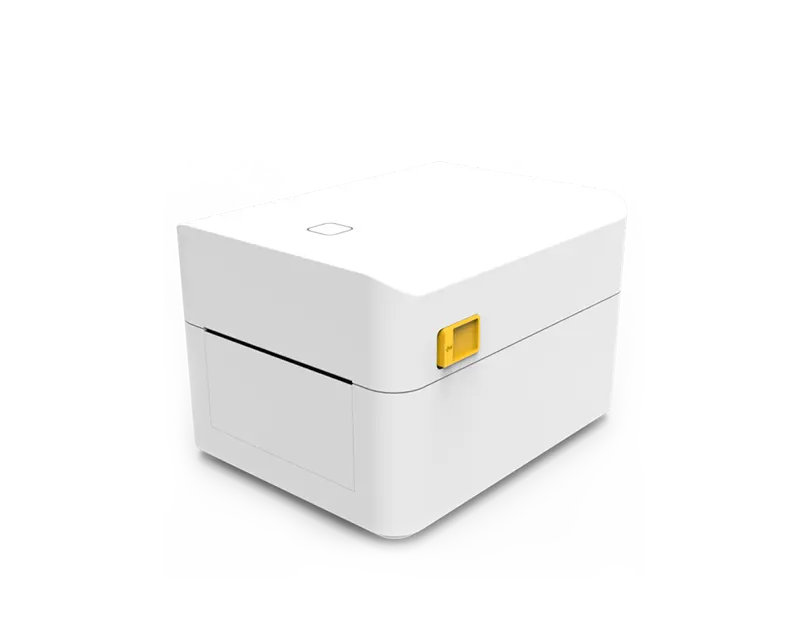


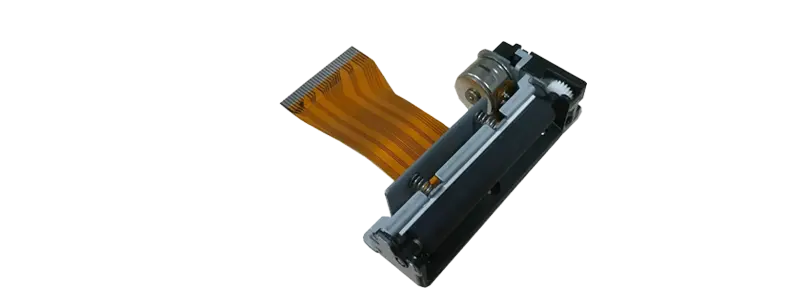
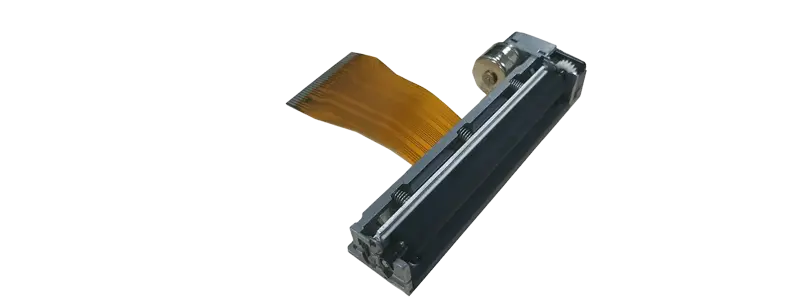
The global thermal printing market is undergoing a rapid evolution driven by automation, IoT integration, and environmental regulations. When enterprise buyers evaluate a wholesale thermal printer supplier, they must look beyond basic hardware specifications to ensure long-term supply chain resilience and technical compatibility.
System integrators and kiosk manufacturers require modular flexibility. Sourcing mechanisms that are drop-in compatible with legacy brands like Seiko (e.g., LTP series) or Fujitsu (e.g., FTP series) allows manufacturers to swap components without redesigning the physical chassis or rewriting the control firmware. OPOS addresses this demand by engineering mechanisms like the TP202LV (compatible with Seiko LTP02-245LV) and the TP701 (compatible with Fujitsu FTP-628MCL701), offering identical mounting dimensions and electrical interfaces at a highly competitive wholesale price point.
Environmental sustainability and operational safety are reshaping procurement requirements. Traditional thermal papers containing Bisphenol A (BPA) are being phased out globally in favor of BPA-free and phenol-free alternatives. Furthermore, the logistics and e-commerce sectors are rapidly adopting linerless label printing. Linerless labels eliminate the silicone backing paper, reducing waste by up to 40% and allowing more labels per roll, which directly translates to fewer roll changes and lower shipping costs. Enterprise buyers must source hardware, such as the T45 Cutter Linerless Shipping Label Printer, designed specifically to handle the aggressive adhesives of linerless media without gumming up the cutter blades or platen rollers.
In large-scale deployments—such as retail chains or nationwide logistics hubs—manually troubleshooting individual printers is highly inefficient. Modern enterprise procurement demands smart thermal printers equipped with network-based remote management. This allows IT administrators to monitor printhead temperature, cutter cycles, and mileage (total meters printed) remotely, enabling predictive maintenance before a component fails on the field.
Why global distributors and OEM brands choose OPOS as their strategic manufacturing partner.

We provide comprehensive design and engineering services, tailoring printer mechanisms and control boards to fit your specific kiosk, POS, or mobile housing requirements.

Our in-house R&D team owns the intellectual property and patents for our mechanisms and cutters, ensuring long-term product availability and firmware control.

From integration assistance to field-issue troubleshooting, our engineers provide direct B2B support to keep your operations running smoothly.

We back all shipments with a comprehensive 12-month warranty, providing spare parts, replacement mechanisms, and diagnostic support.
A structured, transparent engineering process designed to take your custom hardware requirements from concept to mass production.

We analyze your target market, application environment, and mechanical constraints to define the optimal printer specifications.

Our engineers design the mechanical layout, PCB schematics, and firmware interfaces, ensuring seamless integration with your software stack.

We manufacture functional prototypes for rigorous testing, including stress testing, thermal profiling, and compatibility verification.

Utilizing automated assembly lines and strict quality control protocols, we manufacture your order to the highest international standards.

Every unit undergoes final functional testing and is packed according to your branding and shipping requirements to prevent transit damage.

We coordinate shipping via air, sea, or express courier, handling export documentation to ensure smooth customs clearance at your destination port.
Our thermal solutions are deployed globally across diverse sectors, proving their reliability in demanding environments.





As the thermal printing industry transitions into the era of smart manufacturing and IoT, OPOS is actively developing technologies that address the future needs of global enterprises. Our R&D roadmap focuses on three primary pillars:
We are integrating micro-sensors directly into the thermal printhead substrate to monitor real-time resistance variations and temperature spikes. This data will allow the printer's firmware to predict when a heating element is nearing the end of its operational life, sending an automated alert to the POS system to schedule a replacement before a failure occurs.
With the rise of mobile POS and battery-operated handheld devices, reducing power consumption while maintaining high print speeds is critical. Our next-generation mechanisms utilize optimized resistor geometry and advanced thermal insulation layers to reduce the energy required per dot by up to 25%, enabling faster printing speeds (up to 300mm/s) on lower voltage inputs.
To simplify integration for kiosk and terminal manufacturers, we are developing a unified control board that supports auto-switching between USB, Serial, Ethernet, Bluetooth, and Wi-Fi interfaces. This board will feature native support for Windows, Android, iOS, and Linux, eliminating driver compatibility issues for developers.
Technical answers to common questions regarding thermal printer maintenance, troubleshooting, and B2B sourcing.
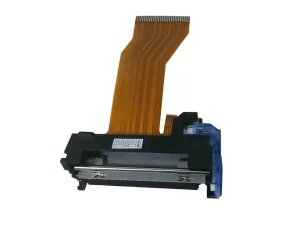
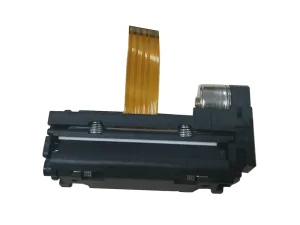
Explore our complete catalog of OEM-compatible mechanisms and portable printing hardware designed for global export.
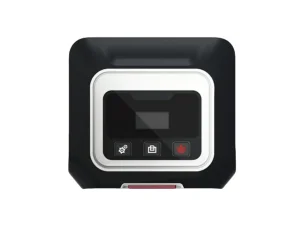
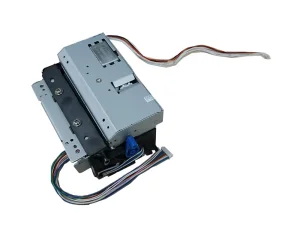
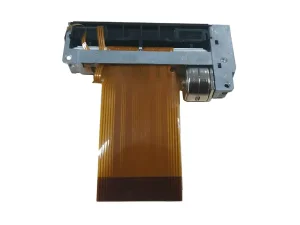
Stay informed with the latest product releases, exhibition updates, and technical guides from the OPOS engineering team.
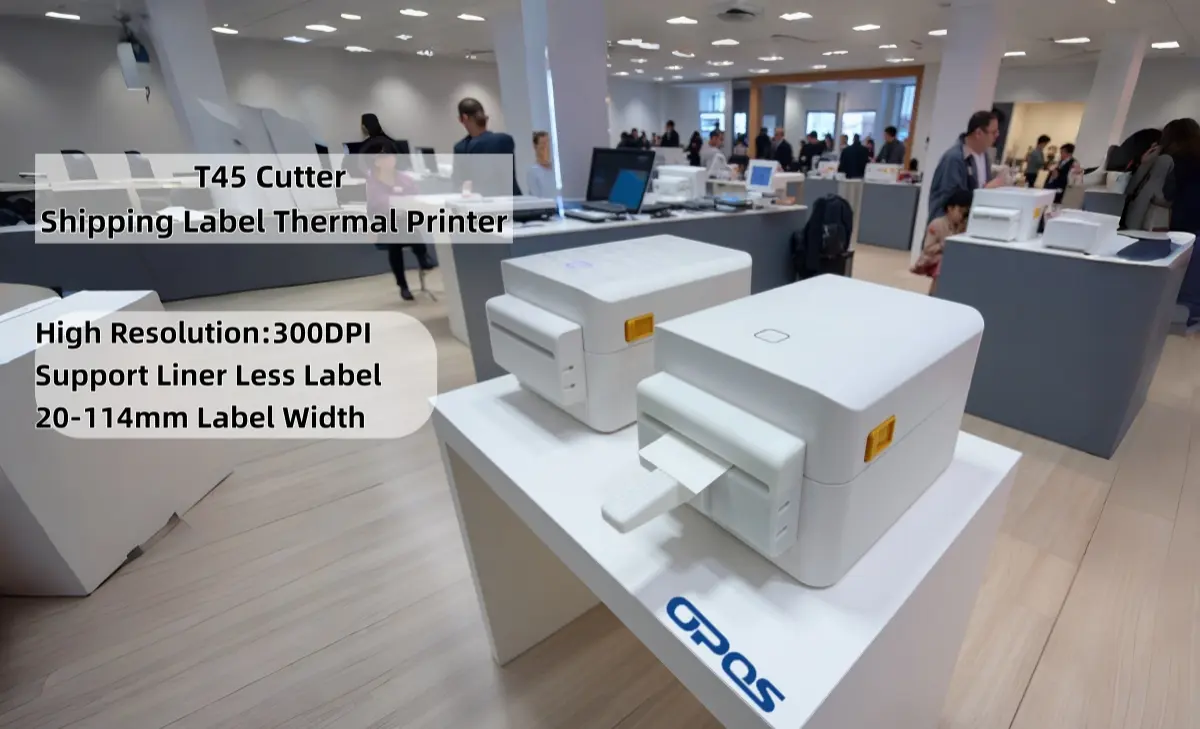
At Xiamen OPOS Printer, we are thrilled to announce the launch of our latest innovation: a high-resolution thermal mechanism designed for medical and laboratory labeling...
Read More →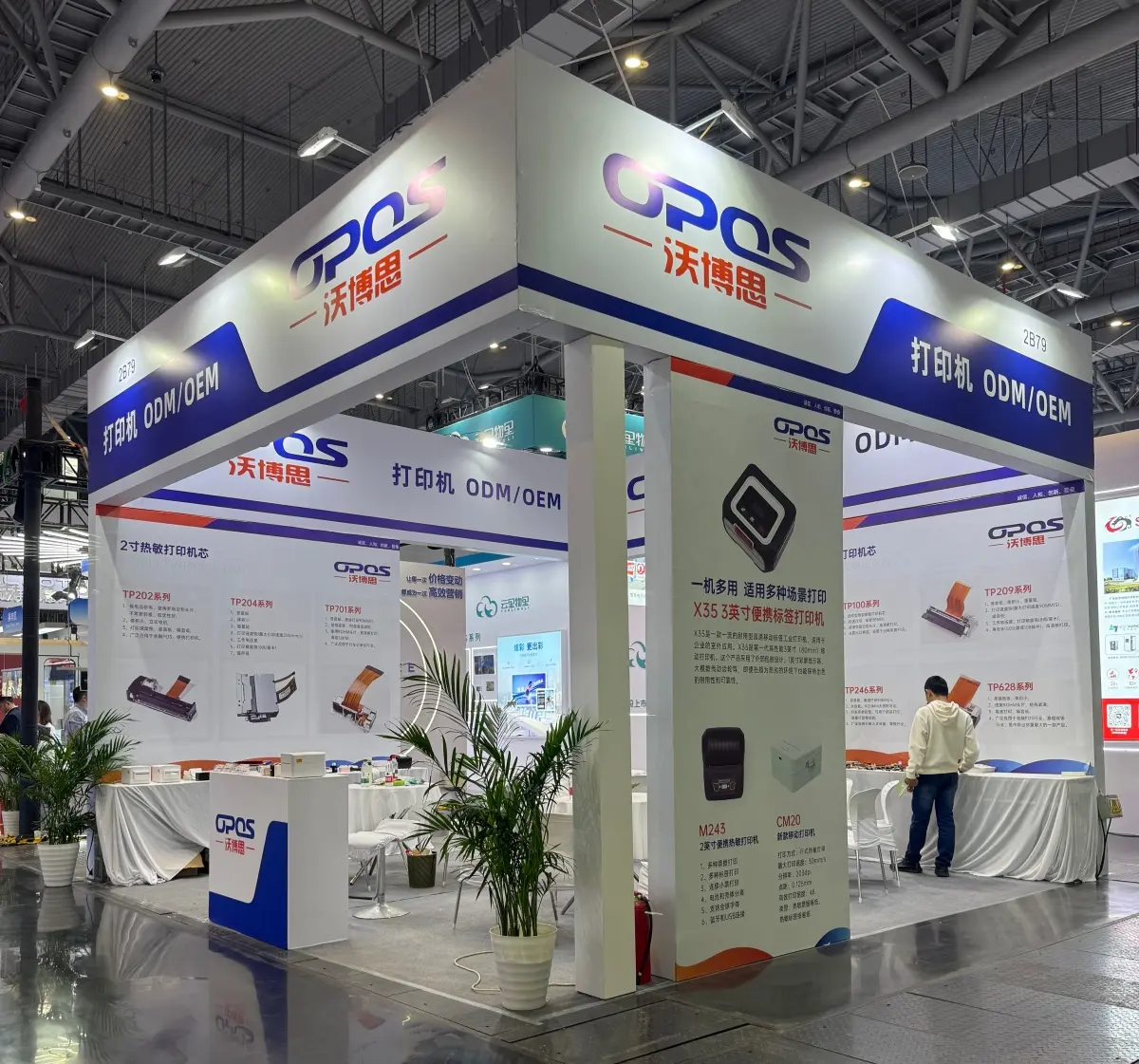
We are excited to share that OPOS Printer recently participated in the Chinashop Exhibition, showcasing our latest 3-inch POS printers and auto-cutter modules to global buyers...
Read More →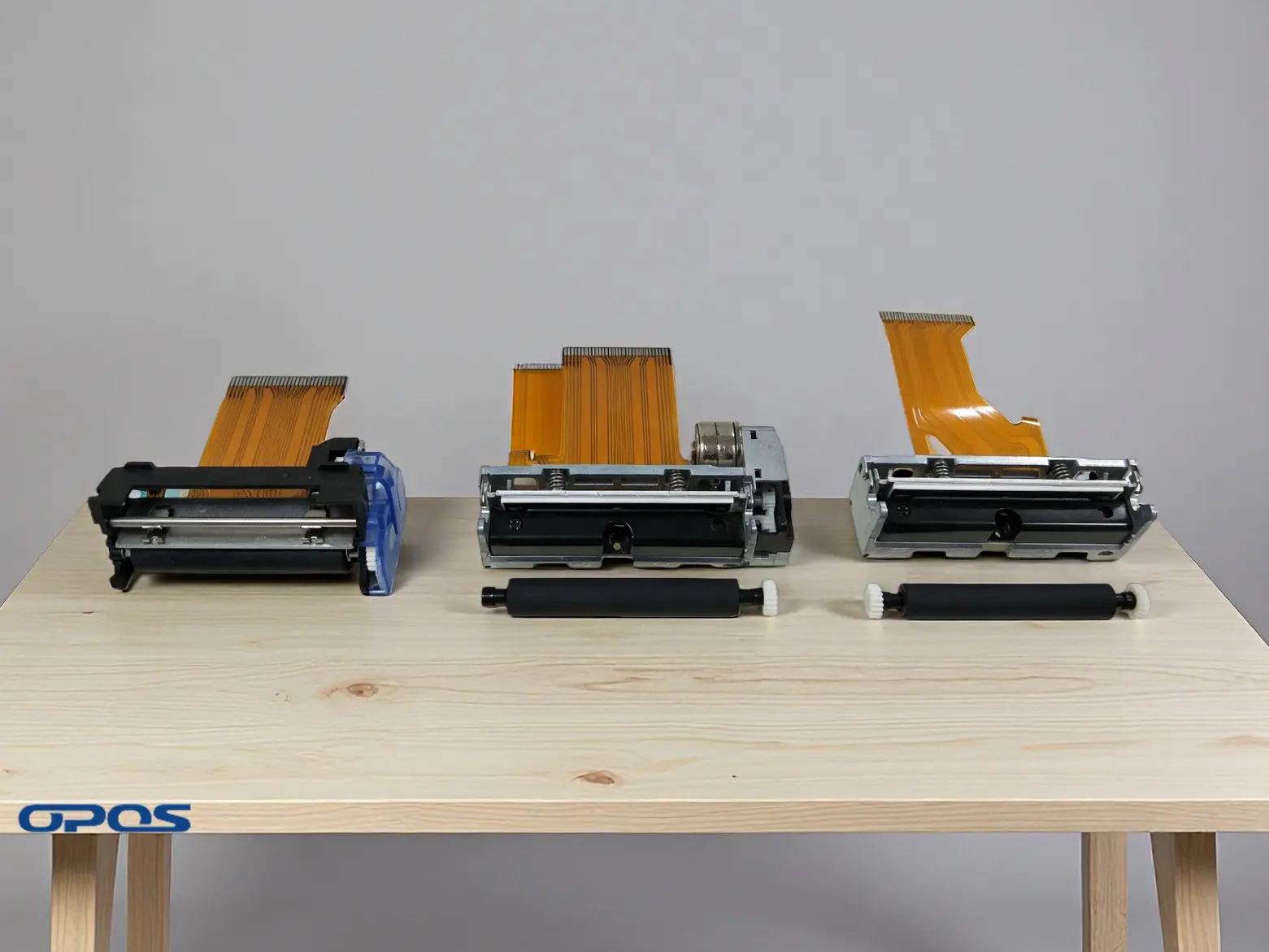
A thermal printhead, also known as a thermal printer mechanism, is the core component of a thermal printer. In this guide, we break down the physics and engineering behind it...
Read More →